
Did some experimenting with a new painting style in Procreate. Dia is from my comic, Follower!
News
Bug’s Top 5 Favorite Free Clip Studio Assets

I use Clip Studio Paint to make about 99% of all my comics and comic-related work. Occasionally I’ll use something else, but there’s really nothing comparable to the specialized features Clip Studio has when it comes to making comics.
One of the best features of the software is not really directly part of the software itself, but part of the related services provided by Celsys: the Clip Studio assets site. You can find downloadable materials you can use in your art and comics, from brushes to 3D models to patterns and textures. Some of these assets cost money, but there are a LOT of free assets available, and there are some really great ones out there.
Here are a few of my favorites, some of which are complete lifesavers.
1. The Only Perspective Grid You Need by OutlawEric
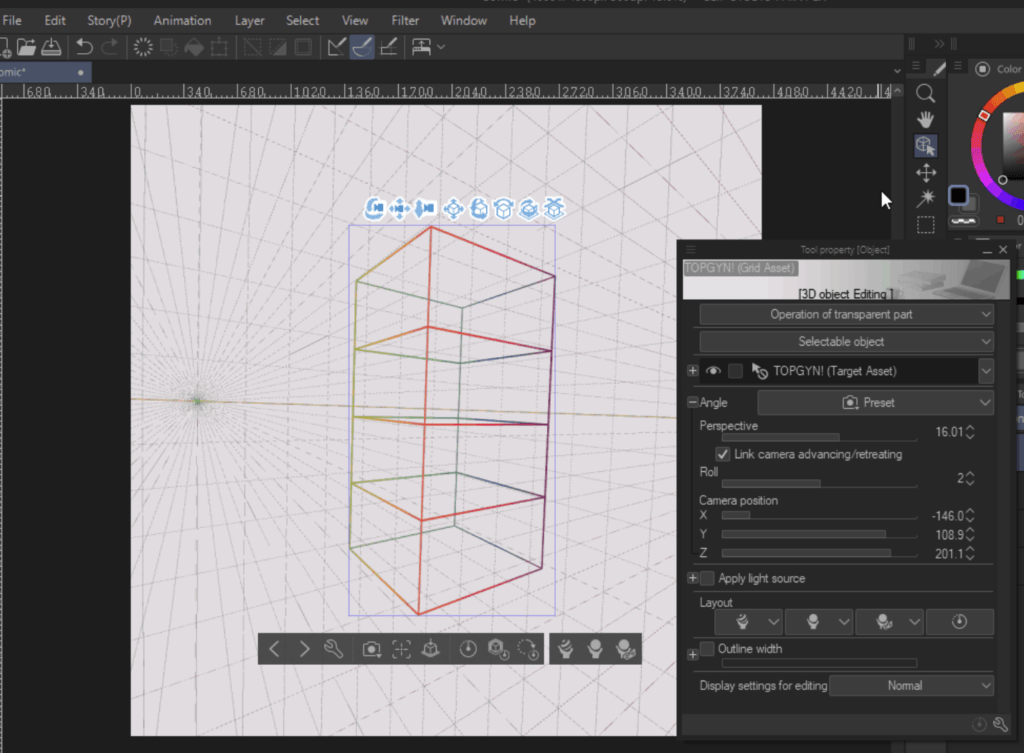
The Only Perspective Grid You Need (TOPGYN) is a tool made by OutlawEric (@0utlaweric on Twitter) that helps you more easily adjust your perspective grids. I can never get my vanishing points placed exactly the way I want, and this asset helps immensely. You just drag both parts into your canvas, and then move the target around until the perspective looks like way you want. More detailed instructions are available on the Clip Studio Assets site.
https://assets.clip-studio.com/en-us/detail?id=1807950
2. Height scales by various creators
Theoretically, this is something I could have made myself, but sometimes I’m lazy and this is convenient. These height scales allow you to set up 3D models so you can make them scaled properly with one another. For example, I recently set up a batch of 3D models customized to match the heights and builds of most of my comic characters. I used these backgrounds to get them all looking like the correct height when stood together in a lineup.
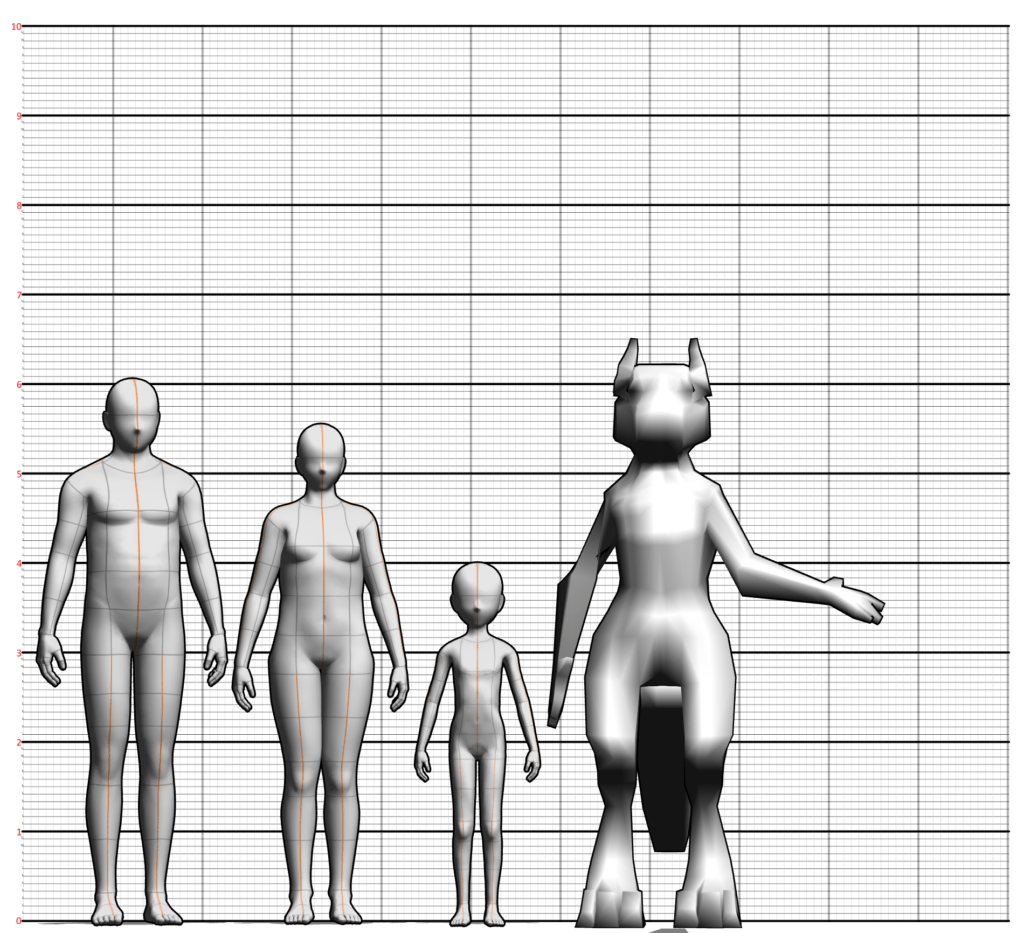
This is a super useful reference when I’m putting a bunch of characters in a scene together, to make sure every character stays more or less “on model.” I’m not usually super concerned about that, but it really makes a difference when you need several characters to look consistent across several pages or an entire chapter. This has been especially useful in the past few chapters of Follower, where I’ve got multiple adult humans of different shapes and sizes, plus Leah, a kid, among them.
Here are a few different scales I’ve made use of:
https://assets.clip-studio.com/en-us/detail?id=1837098
https://assets.clip-studio.com/en-us/detail?id=1716122
https://assets.clip-studio.com/en-us/detail?id=1749324
3. Close and Fill Tools by K96
There are several of these tools made by K96 and they all sort of work in a similar way. You make lineart, you put a layer underneath it, you use the lasso to select around the lines you want to fill, as casually as you like, and it automatically fills the layer. Super simple for doing quick fills.
They also have these cute ice cream cone icons so they’re very easy to identify in your toolbar.
https://assets.clip-studio.com/en-us/detail?id=1759451
https://assets.clip-studio.com/en-us/detail?id=1759450
4. Erase Along Reference Edge by pharan
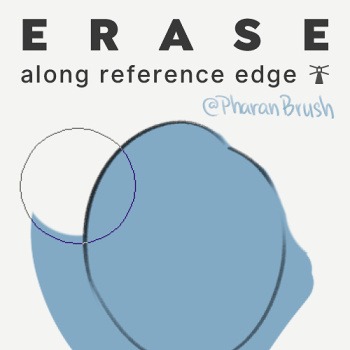
Seriously, a lifesaver. Set your lineart as reference, select the color layer beneath, use this eraser and it’ll erase everything outside of the lines. Nice for doing quick, easy cleanup. Made by @pharanbrush on Twitter!
https://assets.clip-studio.com/en-us/detail?id=1800143
5. MaaBlur Brush by 774─
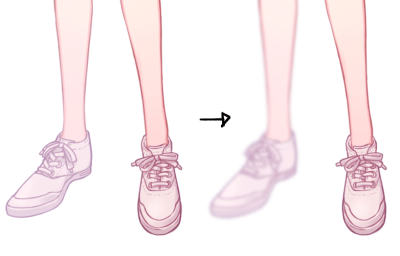
This blur tool is set up just right for making parts of your drawing look like they’re receding into the background. Use it to draw your focus to parts of the scene you want viewers to, well, focus on.
https://assets.clip-studio.com/en-us/detail?id=1722050
Try Clip Studio Paint for free
If you’ve never used Clip Studio Paint before, and want to try it out yourself, you can get a 30 day free trial by clicking the link below. If you buy a standalone (desktop) version of the software, or a subscription (mobile) version, I’ll receive a commission, so it’s a win-win for everybody. I recommend CSP to basically everyone I talk to digital art about, and I come from a long Adobe-using background. The price is unbeatable, and the features are constantly improving. I can’t say enough good things about it.
Maybe my next article will be about my favorite brushes! There are so many….
If you found this article useful, you can also help support future content like this by joining the Chio Club as an ongoing member or as a one-time tip! Check out these options!
Ask a Chio: Does a Chio’s tail signify moods at all? (wagging tail = happy, tail between legs = scared, etc.)

“Does a chio’s tail signify moods at all? (wagging tail = happy, tail between legs = scared, etc.)”
Chio ears are usually the best way to guess at what they’re feeling! They’re a lot like cats’ ears, and change direction based on their current mood. Check out this answer for a bit more info!
Chios (and their tails and ears) are from Messenger and Follower!
Streaming Schedule! (5/25-27)
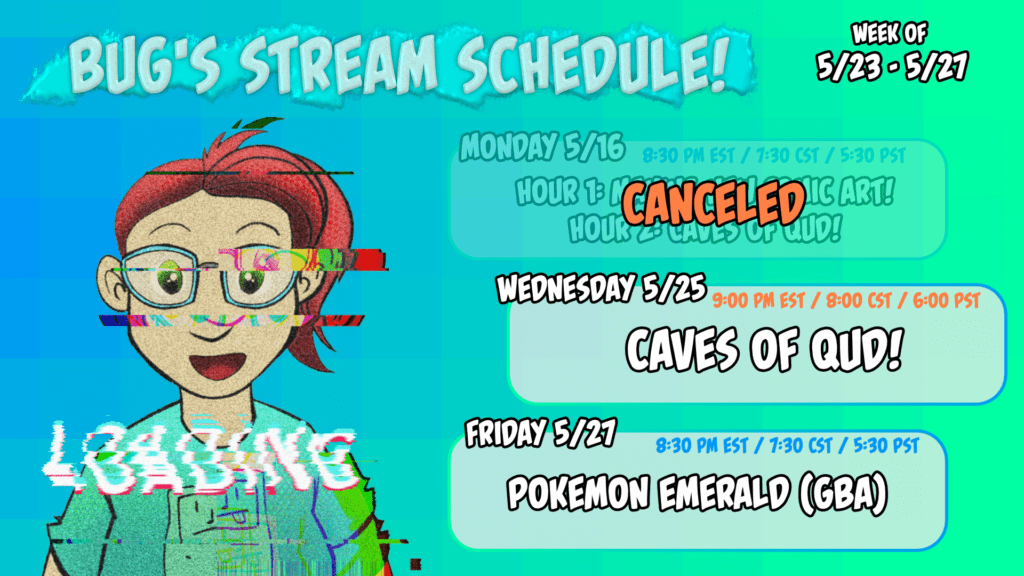
I’m still working my way up to Twitch Affiliate and I’m almost there! Come hang out with me a couple times this week and let’s get it!!
Here’s what I’ve got planned!
WED 5/25: Continuing my Caves of Qud run! (9:00 PM eastern)FRI 5/27: Pokemon Emerald on my Gamecube via Game Boy Player! (8:30 PM eastern)
Streaming schedule! (5/16-5/20)
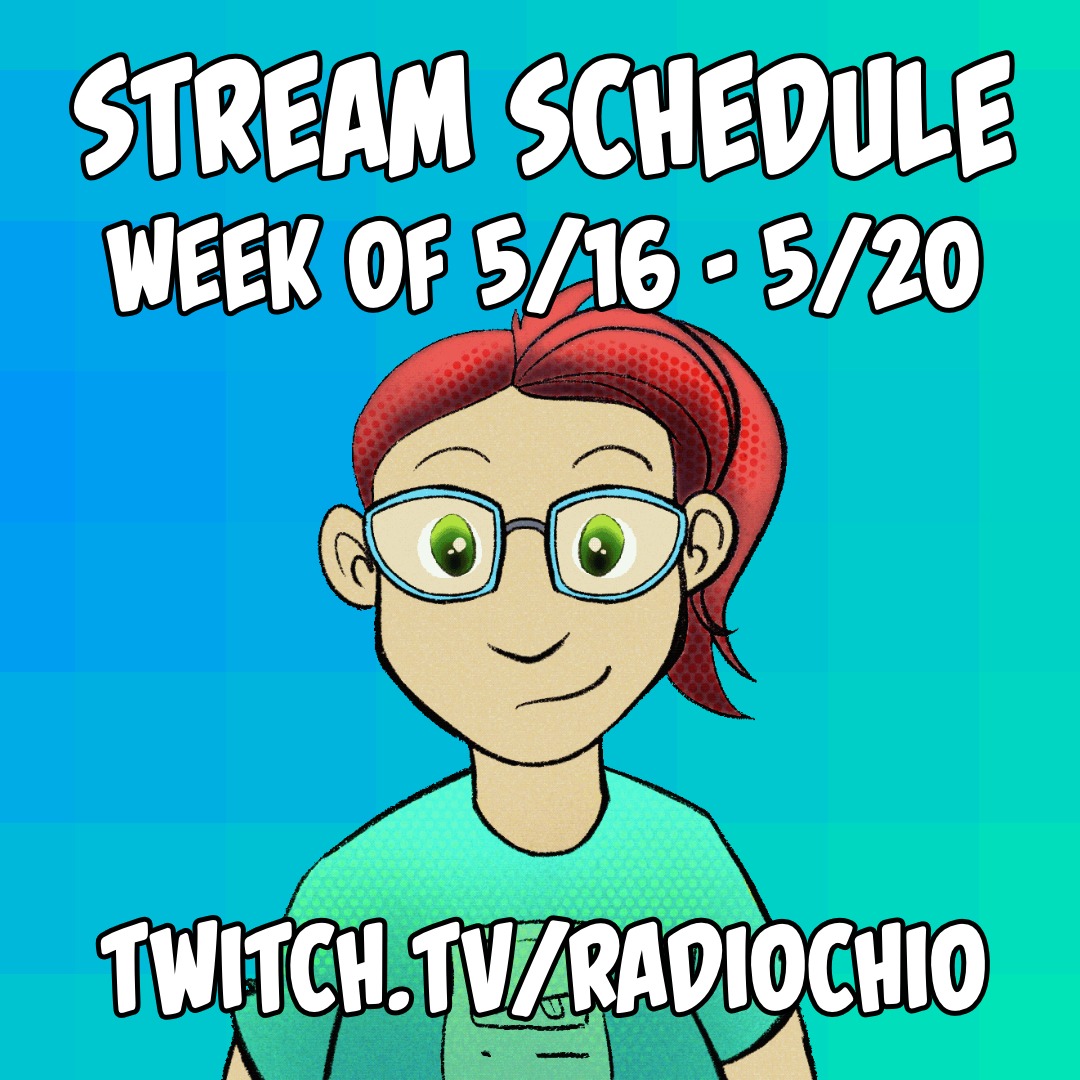
Here’s this week’s streaming schedule! It’s pretty similar to last week’s since that went well. If you want to come hang out with me while I work on comics, or while I play some Caves of Qud, here are the times you’ll be able to find me! As always, you can find this schedule in your local time by visiting my Twitch profile. (And if you subscribe, you’ll get notified when I’m going live!)
Monday 5/9: Working on comic art THEN playing Caves of Qud!
Wednesday 5/11: Just playing Caves of Qud!
Friday 5/13: Doodle Zone/Art Request Stream!
All streams start at 8:30 PM eastern time, but again, check my Twitch page to see what that is in your local time!
#MentalHealthAwarenessMonth: Starving Artist
Hi, my name is Bug and I have pretty severe anxiety! It makes life incredibly hard sometimes, and I am lucky to have supportive people in my life as well as medical professionals who have helped me learn to deal with it. It feels weird to talk about it in a public place like this, but lately I’ve been trying to capture some of the feelings related to it in art, and it seemed like the right time to share some of it.
It took me a long time to figure out that I had anxiety at all, and that what I was feeling all the time (like my brain was going to explode) wasn’t something that everyone felt all the time, normally. With time and help, I’ve learned to adapt to it and strategies to cope with it.
If you are experiencing overwhelming feelings of stress and anxiety: talk to someone you trust, or a doctor, or a counselor. You absolutely do not have to live this way, and your life can be significantly better. You are worth it. There are ways to get help if you need it.
With that said, here is a comic I drew on one particularly bad night recently about the experience of having anxiety and being an artist.
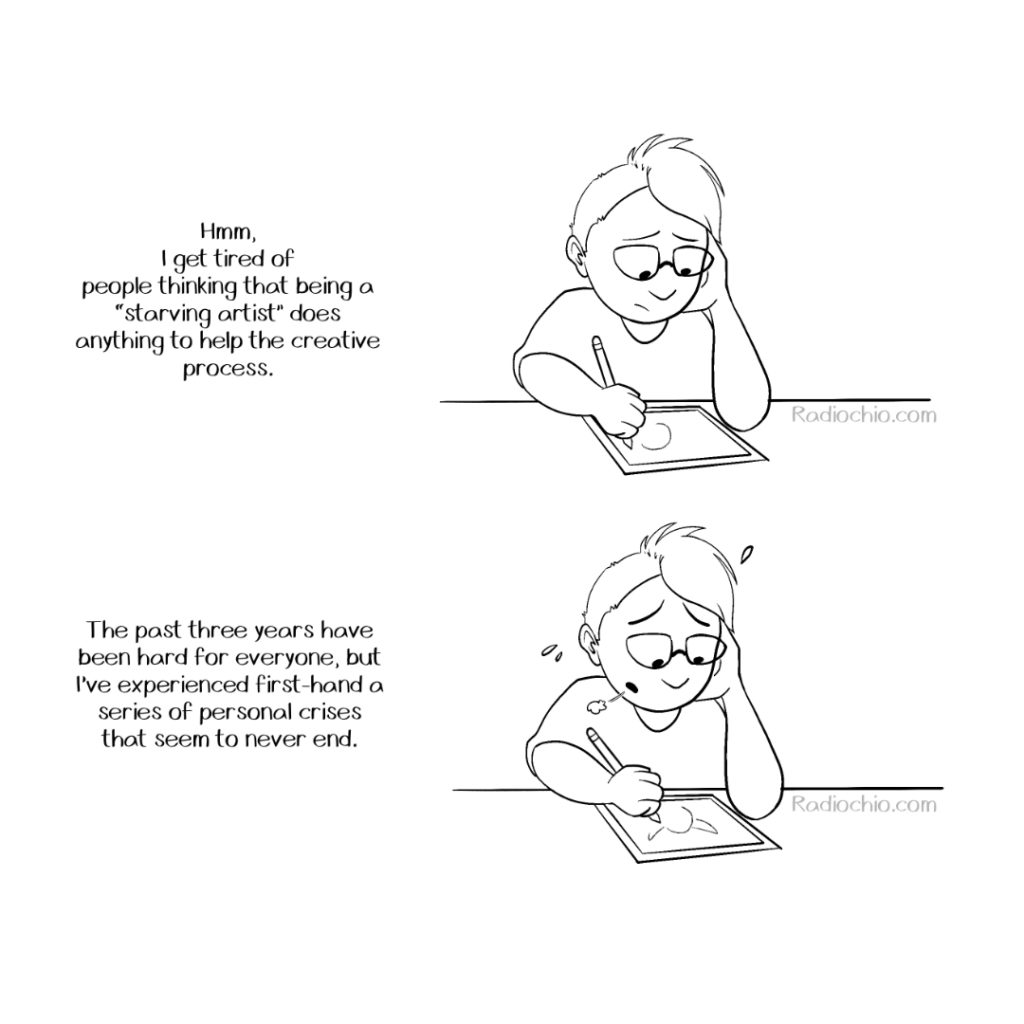
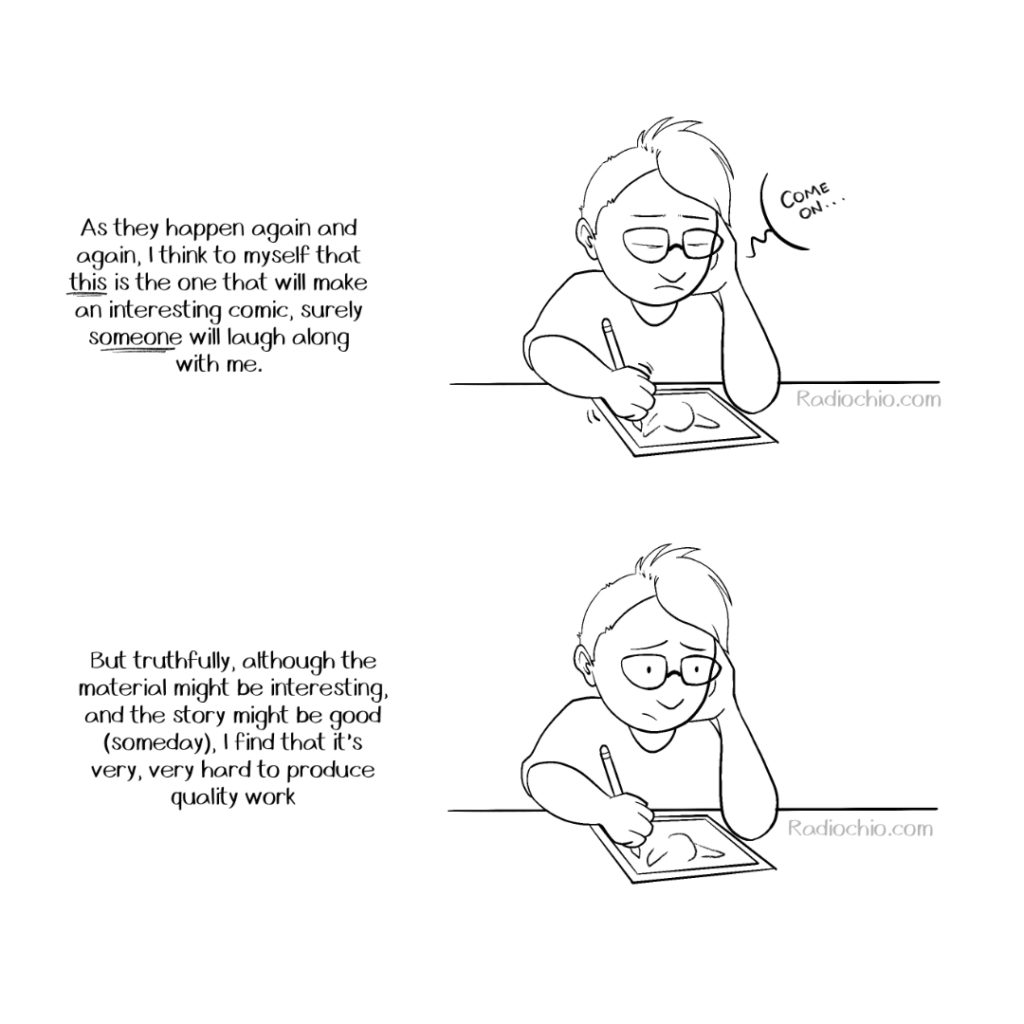
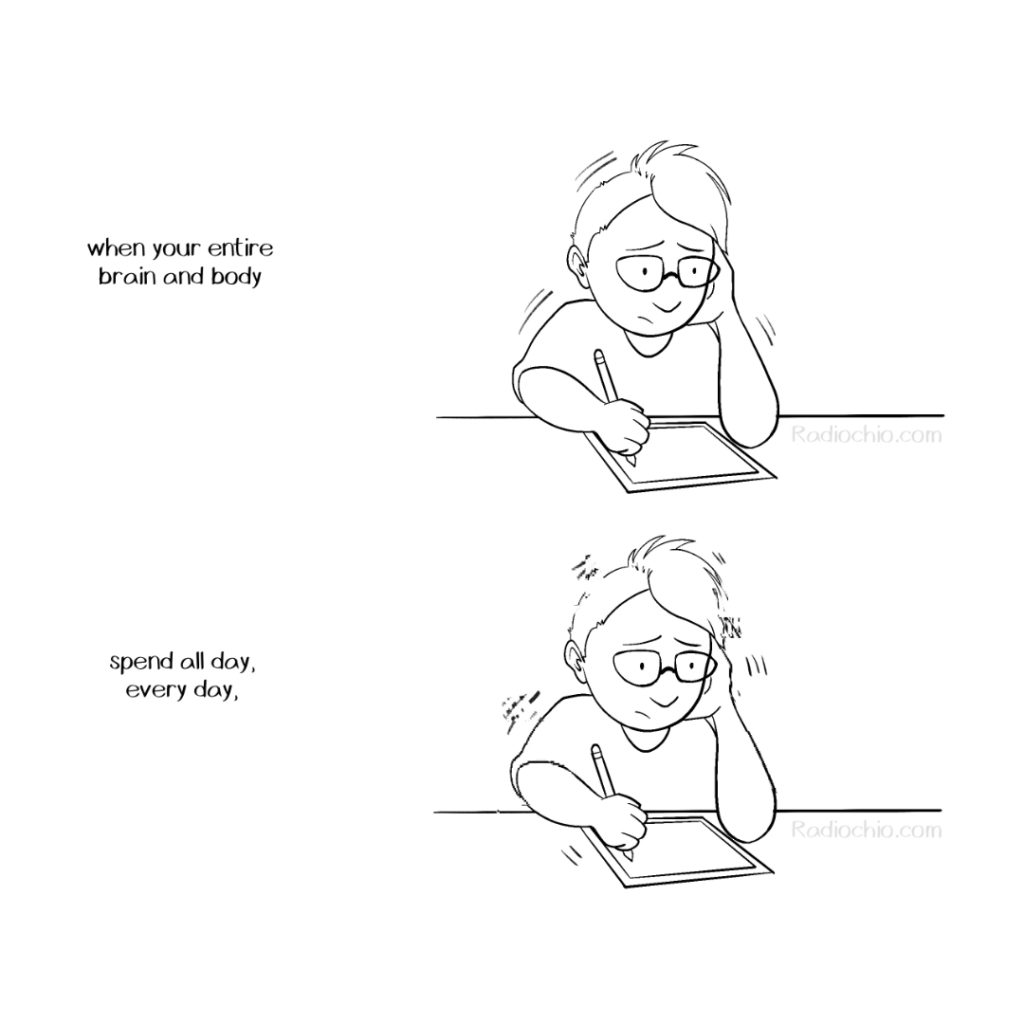
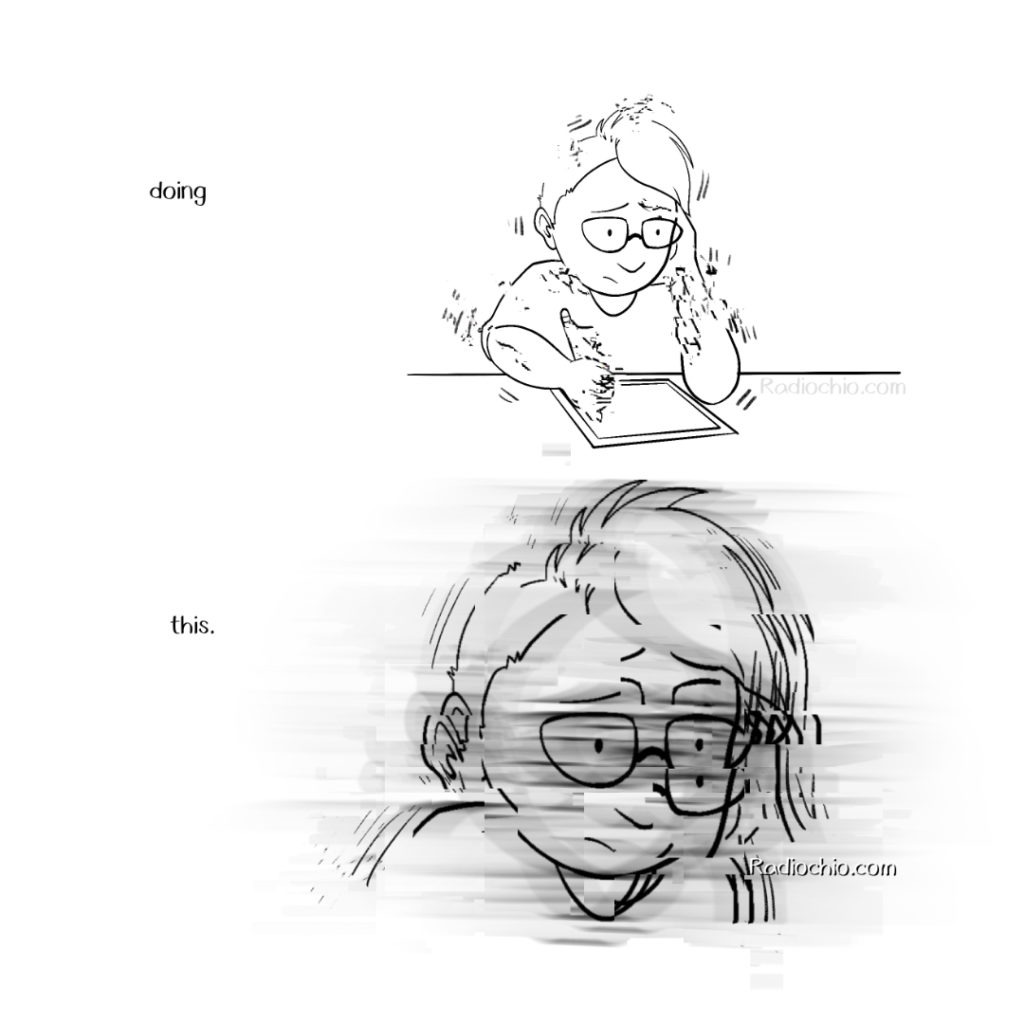
This comic premiered first to members of the Chio Club a couple of months ago! You can get early access to comics like this (and help reduce my stress as an artist) by becoming a member!
Open for Commissions!
I’m currently open for art commissions of various types! If you’d like some custom art of your very own, check out the options I have!
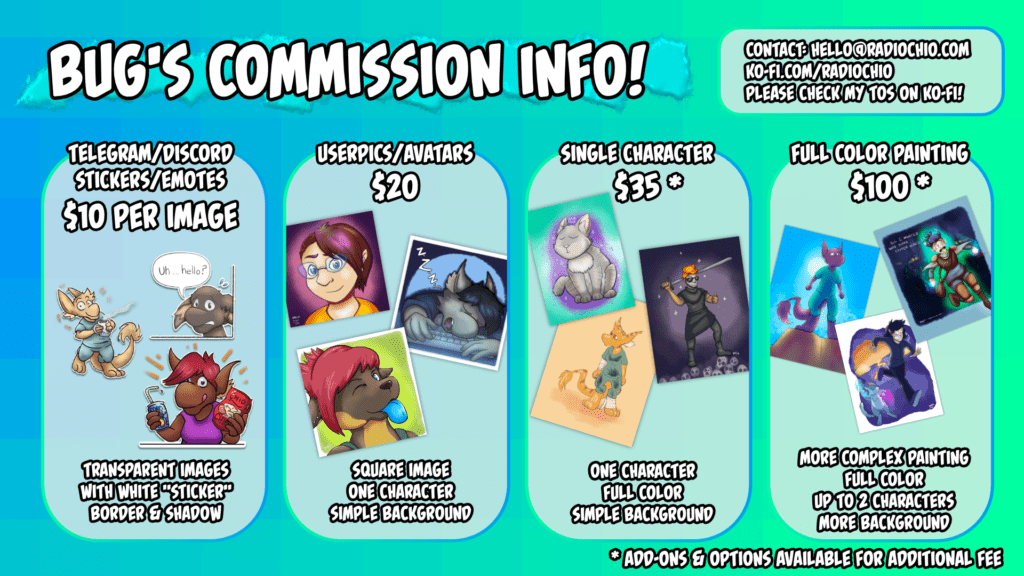
I’m also willing to entertain other options and ideas not on my current menu, but I’ll have to make a custom quote for you. You can contact me at bug@messenger-comic.com
If you want to see more examples of my work, check out my portfolio page! I do a lot of fantasy/sci-fi/creatures/D&D style characters most of the time, but I’m happy to discuss anything you’d like me to draw.
If you’d like, I can even draw your commission during one of my Friday Night Doodle Zone streams!
To start a commission, check out my Ko-Fi page!
Streaming Schedule (5/9-5/13)
I’m doing more streams again this week! There is a slight change to the usual with tonight’s stream: instead of just working on comic art, I’ll be doing that for the first hour and then switching over to Caves of Qud for the second hour!
The rest of the week remains basically the same.
I’m still working toward getting Twitch Affiliate so I can do even more cool things with streaming and art, so if you have time to drop in, I would appreciate the bump to my viewer average!
Find me on Twitch at http://twitch.tv/radiochio!

All streams start at 8:30 PM Eastern time! You can check what that is in your local time on the schedule on my Twitch page.
Monday 5/9: Working on comic art THEN playing Caves of Qud!
Wednesday 5/11: Just playing Caves of Qud!
Friday 5/13: Doodle Zone/Art Request Stream!
Ask a Chio: Is a chio’s hearing enhanced by their large ears?

Stream Schedule (5/2-5/6)
I’m streaming again on three nights this week! Here are the details:
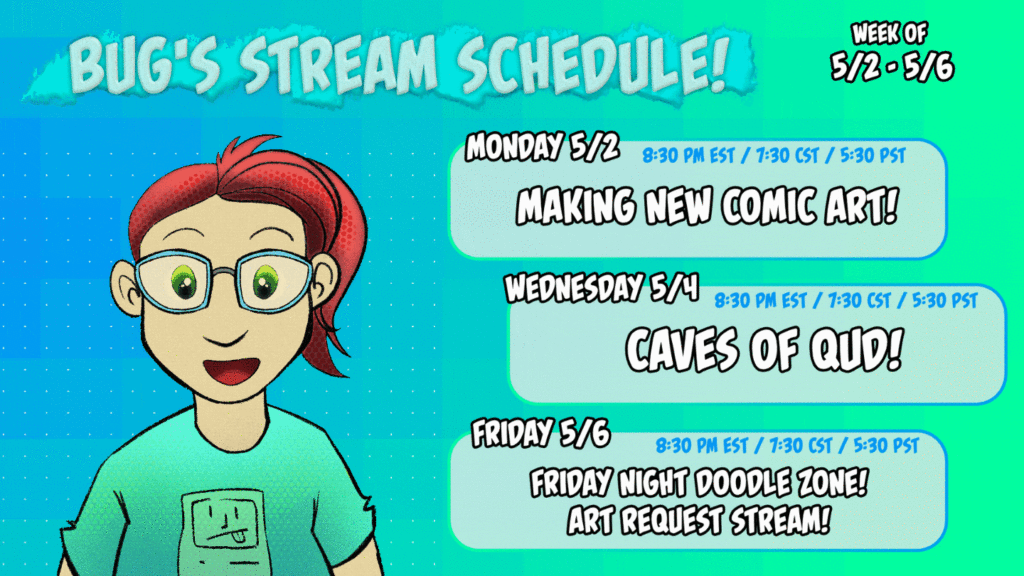
MONDAY 5/2: 8:30 PM EST / 7:30 CST / 5:30 PST
Working on new Follower pages and other art! Get a peek at the next comic page before it’s live!
WEDNESDAY 5/4: 8:30 PM EST / 7:30 CST / 5:30 PST
Playing even more Caves of Qud! Starting my newest character, Nyla the laser turtle!
FRIDAY 5/6: 8:30 PM EST / 7:30 CST / 5:30 PST
The Friday Night Doodle Zone! This is a pay-what-you-want art request stream! The more you pay, the longer I will spend on your request art and the more detailed it will be! This is extremely fun and can get silly, so come along even if you’re just there to watch!
I’m working on getting to Twitch Affiliate status, and need just a few more viewers per stream to make it! Hope to see you there!